


|
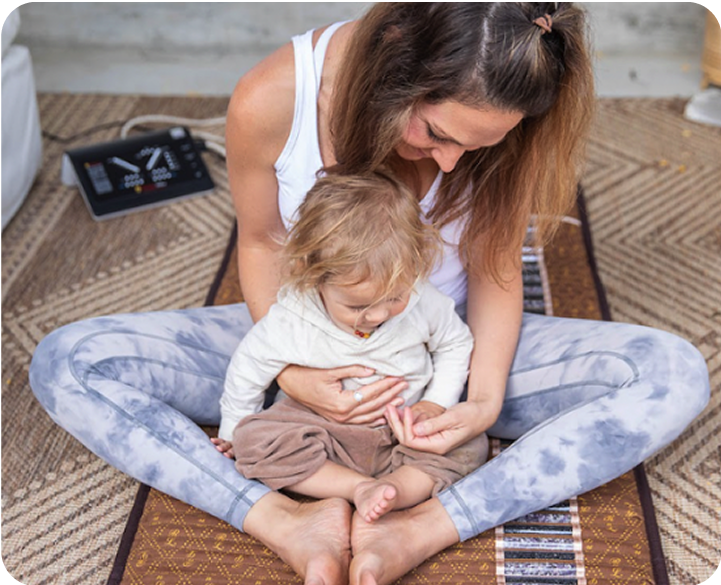
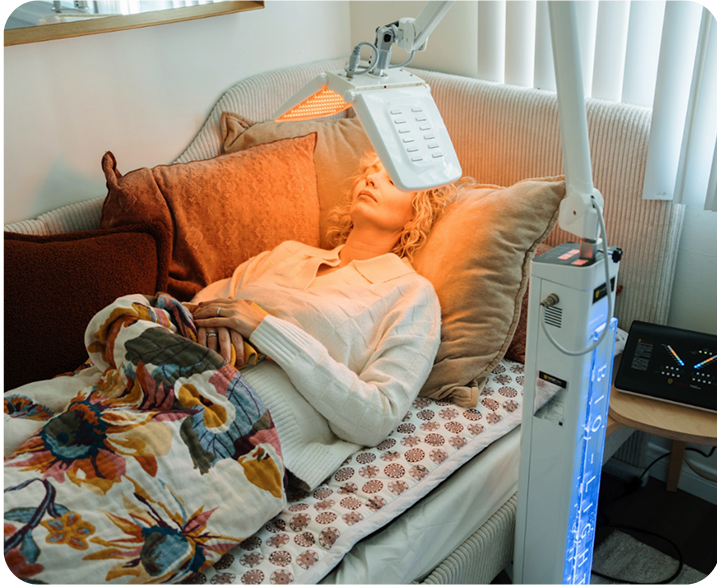
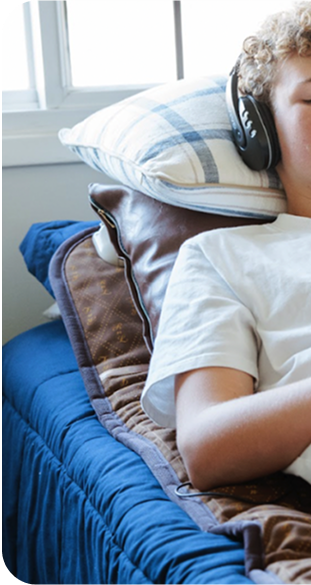
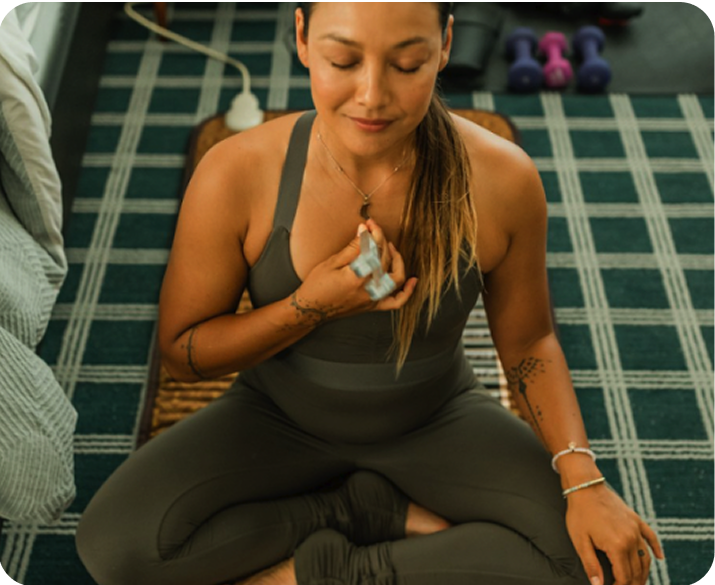
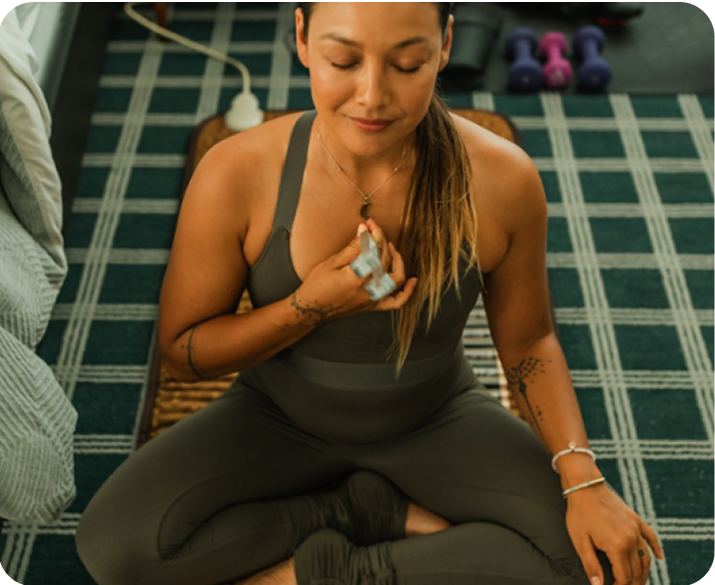
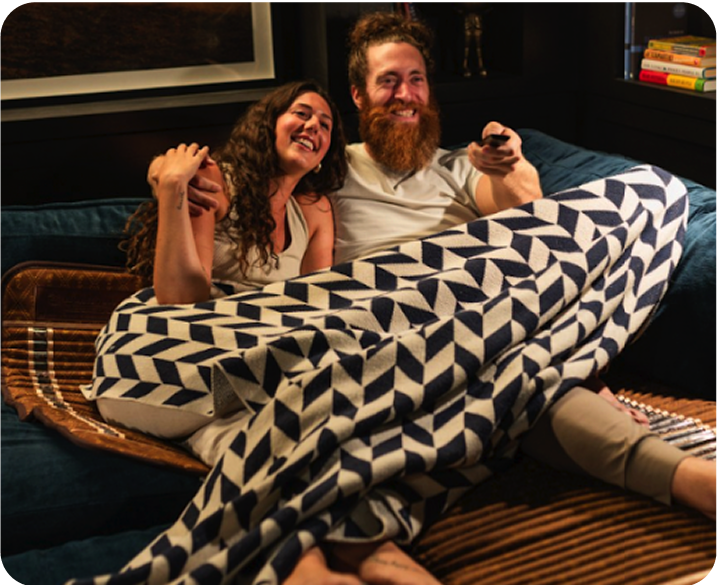
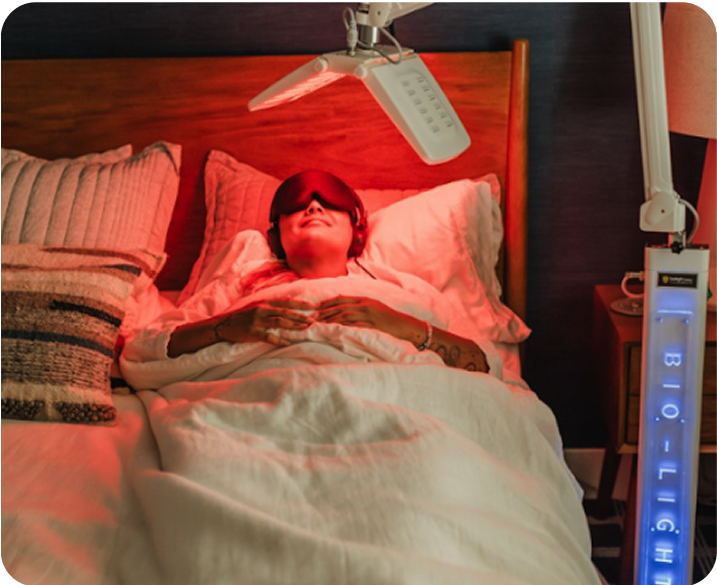
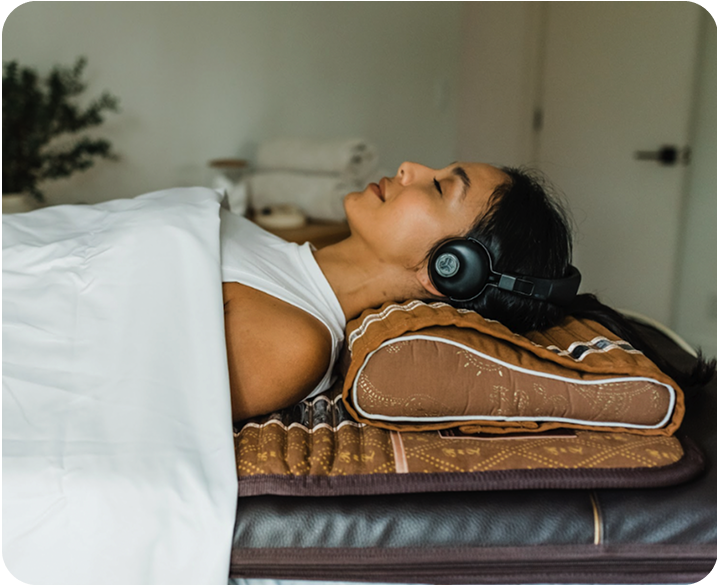
Definition: The BioMat® operates across a temperature range of 95°F to 158°F, delivering Far Infrared heat, Negative Ions, and crystal-conducted energy through direct body contact. New users place the mat on any flat surface, connect the digital controller, and give it 10 to 20 minutes to warm up for temperatures between 95°F and 122°F. Then, you can lie down and relax. We recommend starting at the lowest setting and gradually increasing it based on comfort and response. Overall, setup takes typically under five minutes. The Science Behind It: New users frequently experience mild adaptive responses in the first one to two weeks, including temporary fatigue or light soreness, as circulation improves to previously underperfused tissue. These are normal physiological responses to increased vasodilation and cellular repair activity, not signs that something is wrong. Starting at lower temperature settings allows the body to adapt before deeper thermal stimulation begins. Real-Life Use Examples:
Interesting Fact: BioMat® is manufactured by Richway, founded in 1997 in Honolulu, Hawaii, and manufactured in Seoul, South Korea. The same FDA 510(k) Class II Medical Device available for personal home use is used daily by chiropractors, massage therapists, naturopaths, and wellness practitioners worldwide in professional clinical settings. |
Key Takeaways:
- Start low and progress gradually: Begin at blue or green settings and increase temperature across the first two weeks as your body adapts to Far Infrared stimulation.
- Hydration is essential: Drink water before and after every session to support the body's natural processes throughout the session.
- Consistency beats intensity: Daily 20- to 30-minute sessions at moderate temperatures often produce greater cumulative outcomes than occasional sessions at maximum heat.
The BioMat® is designed to be straightforward from the first session, but knowing a few fundamentals about setup, temperature selection, and session structure makes a meaningful difference in how quickly outcomes build over time. With over 25 years of use by 500,000+ users and health professionals worldwide, the patterns around how to use the BioMat® properly are well-established. This guide covers everything from unboxing to your 30th session, so you can build a sustainable routine that gives you what the research supports.

BioMat® Setup Guide: From Box To First Session
New BioMat® owners are typically ready for their first session within 15 to 20 minutes of opening the box.
Surface Placement, Controller Connection, And Warm-Up
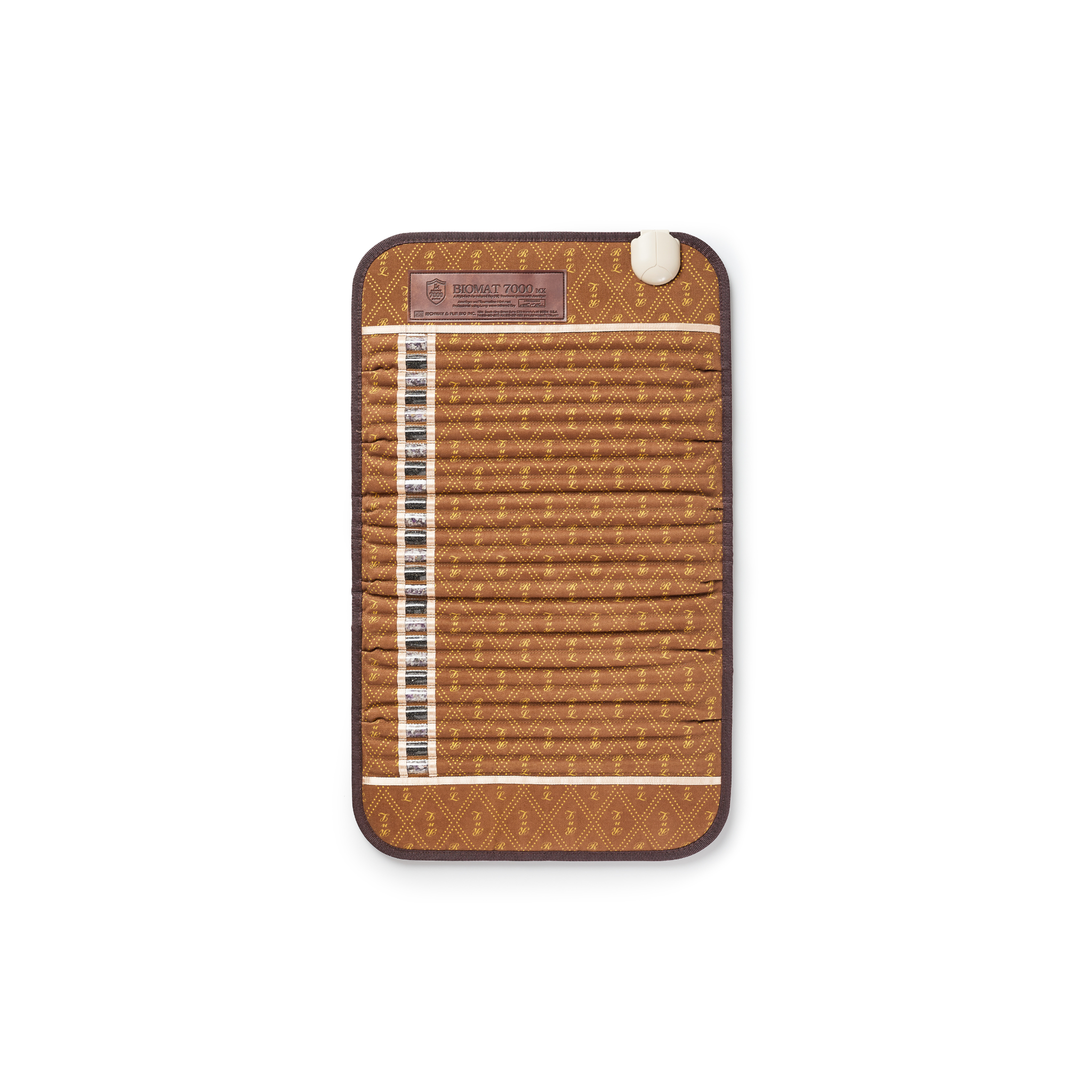
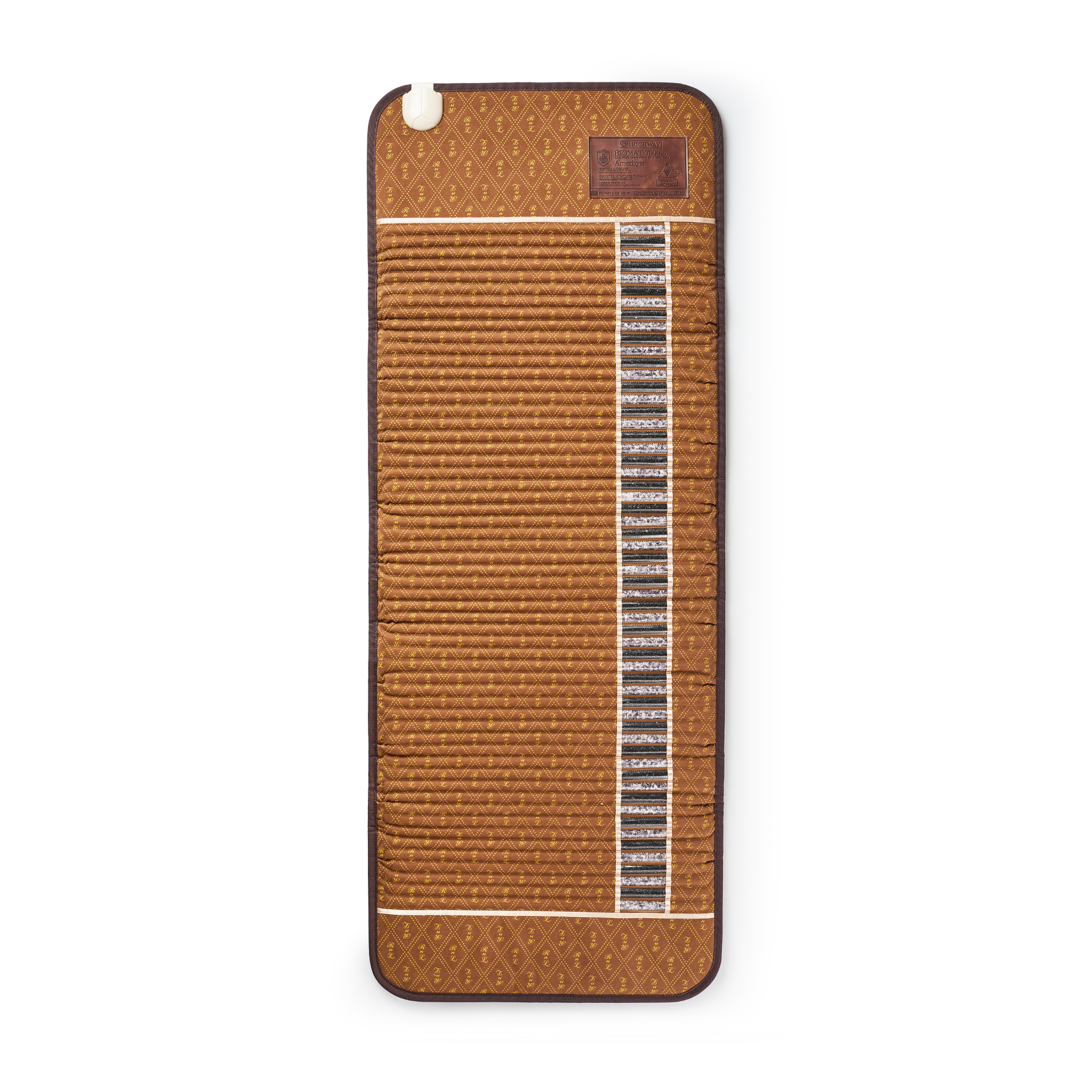
The BioMat® setup guide begins unpacking your controller, cotton pad, and BioMat® Professional from the carrying case. Then, choose any flat, sturdy surface to place it on. A bed, floor, massage table, or couch all work. After that, you can get started with the setup process in seven easy steps:
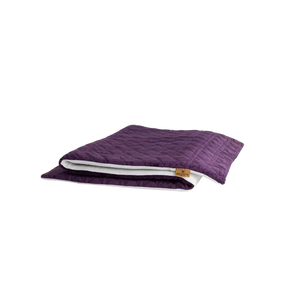
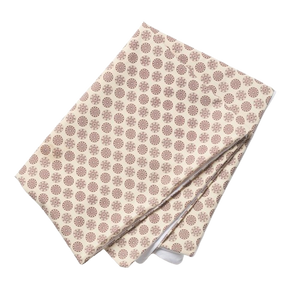
- Attach The Cotton Cover: Take the cotton pad and locate the fabric pocket and straps on its underside. Position the pocket end over the end of the mat that's farthest from the controller plug, slip it on, then secure the straps over the opposite end near the plug.
- Link The Controller: Connect the controller to your BioMat® by inserting the plastic connector firmly into the mat's receiving slot. Make sure the connection is flush with no gap between the two pieces.
- Turn The Device On: Flip the power switch on the side of the controller to ON, then press the power button on the front panel to turn the display on.
- Set Your Temperature: Press the Temperature Up button to adjust it to your preferred heat level.
- Set Your Timer: Check the timer and confirm it's set to your intended session length. The options are 2, 4, 8, or 12 hours.
- Add Your Waterproof Cover (Optional): If you have the Germanium Waterproof Cover, layer it directly over the mat first, then place the cotton pad on top. If you'd rather skip the cotton entirely and have a surface you can wipe down quickly, you can use the Germanium Cover on its own.
- Preheat Before Your Session: Let the mat preheat before your session. You’ll need 10 to 20 minutes for temperatures between 95°F and 122°F, or 20 to 45 minutes for anything between 131°F and 158°F.
Our Personal Use Guide covers how to integrate the BioMat® into different home environments and daily routines in more detail. And for anyone who wants to understand the technology more deeply before starting, The Basics covers foundational questions about Far Infrared, Negative Ions, and Amethyst crystal therapy.
Safety Precautions Before Your First Use
Certain medical conditions require physician consultation before beginning BioMat® sessions. The BioMat® is not recommended for use by infants, young children or by anyone with organ transplants, high fever, acute disease, skin problems in the area of use, or certain heart conditions. Further, users with pacemakers or implanted defibrillators, diabetes, high blood pressure, bypass surgery, or recent radiation or chemotherapy should consult a physician before use. If you're uncertain whether Infrared heat therapy is appropriate for your situation, asking your physician is a useful starting point. Our Safety Precautions page provides the complete list of conditions and usage guidelines.

Four Adjustable BioMat® Temperature Settings
Understanding the BioMat® temperature settings helps new users match heat intensity to their condition, goals, and sensitivity, and helps prevent the most common first-use mistakes.
Blue Setting: 95°F–104°F
The blue setting, which is only available on the BioMat Professional, is the gentlest entry point, delivering Far Infrared and Negative Ions with minimal heat. It's well-suited for first-time users, those with heat sensitivity, and anyone wanting to use the mat for extended sessions or overnight. At this setting, the body receives the full Infrared and Negative Ion output with a mild physiological response, which may be helpful for preparing for restful sleep. The recommended duration is 20 minutes to several hours, or overnight with the timer set to shut off at a preferred time.
Green Setting: 113°F–122°F
The green setting provides warm, inviting heat that activates a deeper relaxation response and begins to engage the parasympathetic nervous system more noticeably. Most new users spend their first seven to ten days at blue or green before progressing. This is the range where the characteristic "melting" sensation that many users describe appears. Recommended duration is 2 to 4 hours, depending on your comfort level. As always, listen to your body and ensure you stay well-hydrated.
Gold Setting: 131°F–140°F
The gold setting intensifies the effects of green, offering more pronounced circulation support and a stronger response through elevated body temperature. This range is appropriate after the initial adaptation period and is well-suited for ongoing pain management and post-exercise recovery. Recommended duration is 2 to 4 hours, depending on individual tolerance.
Red Setting: 149°F–158°F
The red setting delivers the highest therapeutic intensity, producing an effect comparable to an Infrared sauna. At this range, the heat shock protein response is most likely to be activated. This setting is recommended for experienced users in good health, not for new users or those with heat sensitivity. The maximum recommended duration is 60 minutes per session, up to twice daily, spaced at least 10 hours apart, with thorough hydration before, during, and after.
An Important Note On All Settings
Every heat setting provides the same amount of Far Infrared frequency and Negative Ions. Heat is the variable as it determines how strongly the body responds, not whether it receives the therapeutic wavelengths. Higher heat may amplify physiological effects like circulation, perspiration, and detoxification, while lower heat produces the same therapeutic exposure with a gentler response suitable for longer sessions. To view the setup instructions for both the BioMat® Mini and Professional, check out The BioMat Experience.
BioMat® First Use: Six Tips For New Users
These helpful BioMat® tips address the most common first-use mistakes.
- Start At Blue Or Green: For your first week, stick to the blue or green setting regardless of how well you normally tolerate heat. Far Infrared works from the inside out, so your internal response can be stronger than you'd expect from the surface temperature alone.
- Hydrate Before And After: Heat makes you sweat, so it's important to replenish those fluids. Drink a full glass of water before your session and make sure to drink more after. Your body is working harder than it might feel like it is.
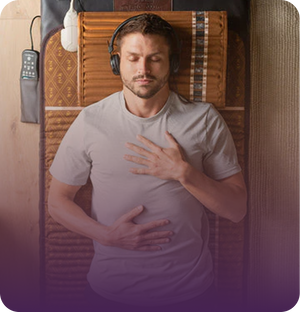
- Position Intentionally: Think about what you're using the mat for and place it accordingly. Full-body sessions work best for general stress and recovery. If you're dealing with lower back pain, hip tightness, or leg soreness, position the mat directly under that area.
- Stay Still During Sessions: The more consistent your contact with the crystal surface, the more Far Infrared your body absorbs. Shifting around interrupts that, so find a comfortable position before you start and let yourself settle in.
- Use A Cover: A thin towel or Quantum Comfort Cover between you and the mat is key as it provides a barrier to heat while still letting the Far Infrared through. Plus, it enables easy clean up.
- Wait An Hour After Eating: Your body prioritizes digestion after a meal, which can compete with how you feel during a Far Infrared session. Lying down right after eating can be uncomfortable, so give yourself about an hour before getting on the mat.

Your First 30 Days: Progressive Use Protocol
The most important thing to understand about the BioMat® is that outcomes build progressively across 30 days, not in a single session. This structure supports adaptation and cumulative results.
- Days 1–7: Start with daily sessions of 20 to 30 minutes at blue or green settings. Focus on consistency over intensity. Please note that mild adaptive responses, such as light soreness, are usually interpreted as normal signs that circulation is improving.
- Days 8–14: Extend sessions to 30-40 minutes and introduce green-to-gold temperatures if comfortable. Sleep quality and morning stiffness changes typically begin appearing for pain and stress users during this window.
- Days 15–21: Establish your preferred session time and temperature based on two weeks of personal response data. Most users find their optimal session window and begin building it into a fixed daily routine.
- Days 22–30: From here on out, you can enjoy regular sessions at an established temperature and duration that works for you. According to an independent study from Dr. George Grant, a Canadian pioneer of quantum integrative medicine, cortisol normalization and sleep improvement might become more measurable for daily users in this phase.
For general information, our BioMat FAQ covers common questions about Far Infrared therapy, Negative Ions, Amethyst and Tourmaline crystals, and product use guidelines for users ready to deepen their understanding beyond the basics.
Frequently Asked Questions About How To Use BioMat®
How long should the first sessions be for new BioMat® users?
Start with 20 to 30 minutes at blue or green settings. Gradually increase session duration (if you’d like) over the first two weeks as the body adapts to Far Infrared stimulation.
Should clothing be worn during BioMat® sessions?
Light clothing is fine. Thin clothing made from natural fibers doesn't significantly impact penetration. Avoid synthetic fabrics, which might block Infrared wavelengths more substantially.
Can BioMat® sessions be combined with other therapies, such as massage or stretching?
Yes. Using the BioMat® before massage may improve tissue pliability. From there, stretching during or after sessions takes advantage of the increased circulation and muscle relaxation that Far Infrared produces.
Can BioMat® be used overnight during sleep?
Yes, at blue settings (95°F). Use the timer to shut off at a preferred time, stay hydrated, and follow the user manual guidelines. The FDA has not evaluated the BioMat® specifically for use during sleep, so always follow safety guidelines and consult your physician if you have any medical conditions.
How should BioMat® be cleaned and maintained after sessions?
Wipe with a damp cloth after use. The Germanium Waterproof Cover can be sprayed and sanitized easily after each session and is the recommended cover for high-perspiration sessions. Unplug the mat before cleaning and use only soft, dry fabric on the controller.
Can more than one person use the same BioMat®?
Yes. Many households share a BioMat® among family members. Adjustable temperature settings allow each user to customize their session, and the cotton cover and waterproof cover help maintain hygiene between uses.
These statements have not been evaluated by the Food and Drug Administration. These products are not intended to diagnose, treat, cure, or prevent any disease. Specific medical advice should be obtained from a licensed health care practitioner.
Learn more about our editorial standards and medical review process.